| |
SiteLINK "Demo" Setup Instructions
Section 2 - SiteLINK Setup
Step 1- Signing into your Store
-
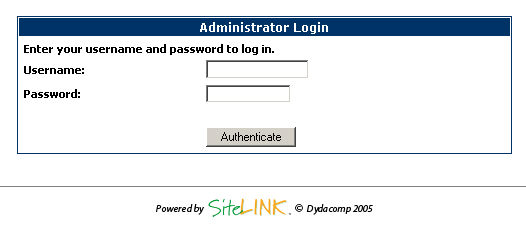
Navigate to the web address given to you by SiteLINK support.
Make sure the address ends with "admin.asp"
-
Enter the user name and password provided to you. Click
Authenticate when done.
Step 2 - Designing Your Custom Store
-
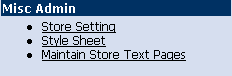
From the Admin page, select Style Sheet.
-
From the Style Sheet
screen, you will be able to change virtually all aspects of the
site from font sizes to item placement.
-
Use the Maintain Store Text
Pages screen to add text to your pages, you can even add
your own HTML code using an HTML editor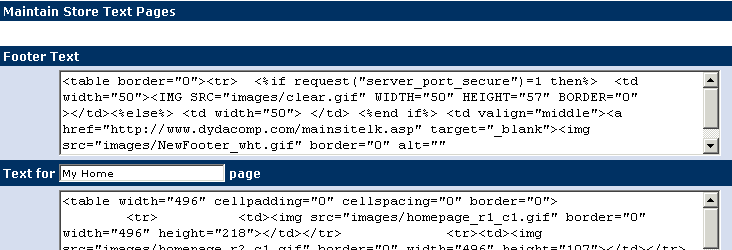
-
Use the Store Settings
screen to change the various store options and choose the button
style you wish to use throughout your store.

Step 2 - View your Finished Product
-
Once completed, you can view your work by clicking the hypertext
word ‘Preview’ at the top right-hand side of the screen.
Thank you for taking the time to
review our SiteLINK Product for the Mail Order Manager
System
|









